RVA Studio
Author intent, not variants.
Studio is where a responsive master is created — semantic scene, topology authoring, constraints and regions, responsive preview, validation and export. Use the Viewer to open and inspect the result.
RVA Studio
Build your responsive master.
Studio is the professional authoring environment: build the semantic scene, declare responsive intent, then validate and export.
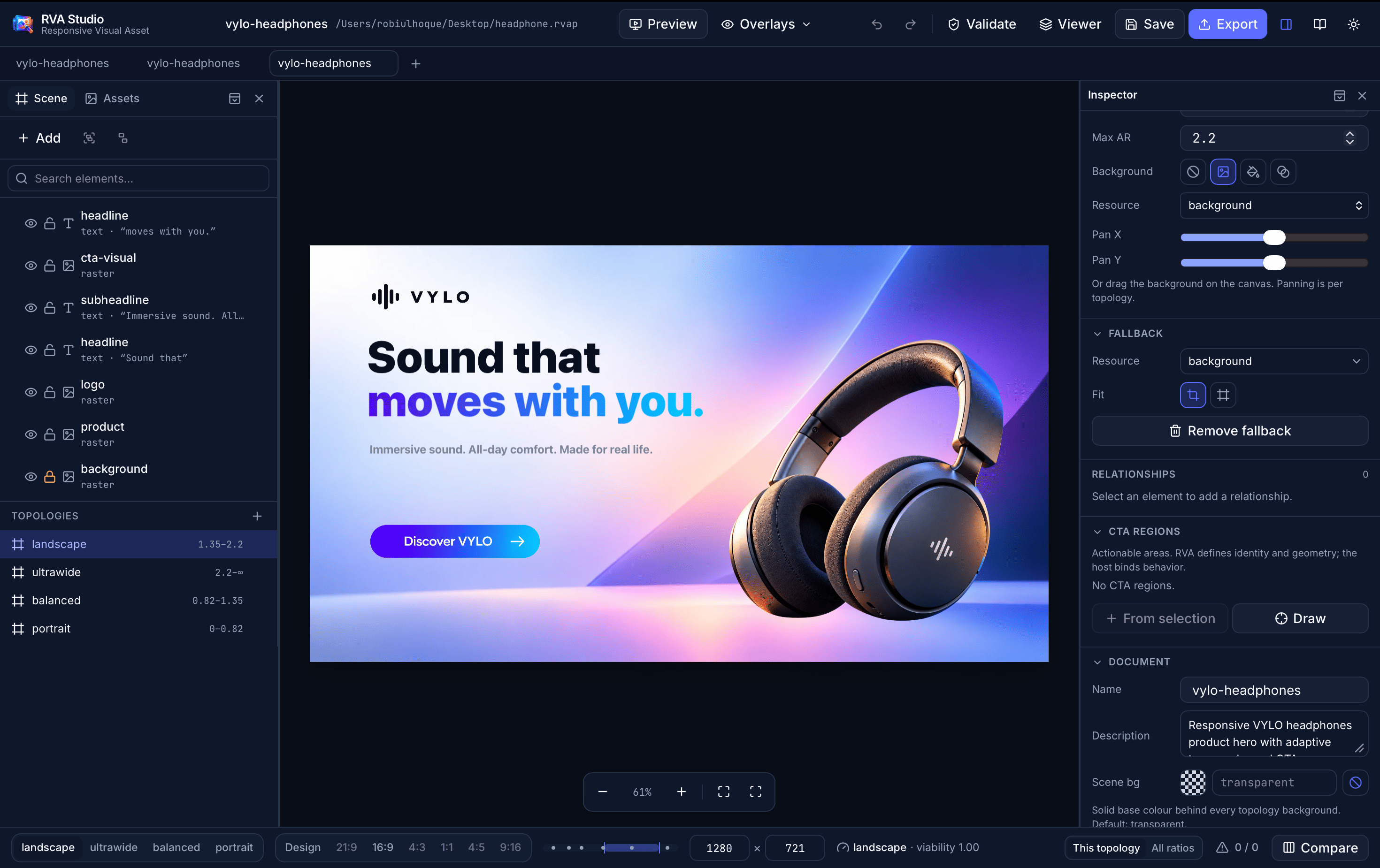
Scene & Assets
Semantic elements and imported resources, with roles and grouping.
Topology authoring
Author a composition per aspect-ratio range, side by side.
Constraints & regions
Gaps, alignment, containment, focal and protected regions.
Preview, validate, ship
Declared targets, cross-size validation, Save .rvap / Export .rva.
Checking downloads…
.rvap — editable project.rva — distribution asset
RVA Viewer
Open it anywhere. Watch it adapt.
A lightweight, read-only viewer for Responsive Visual Assets. Drop in a .rva, resize the window, and see the same composition the resolver produces everywhere.
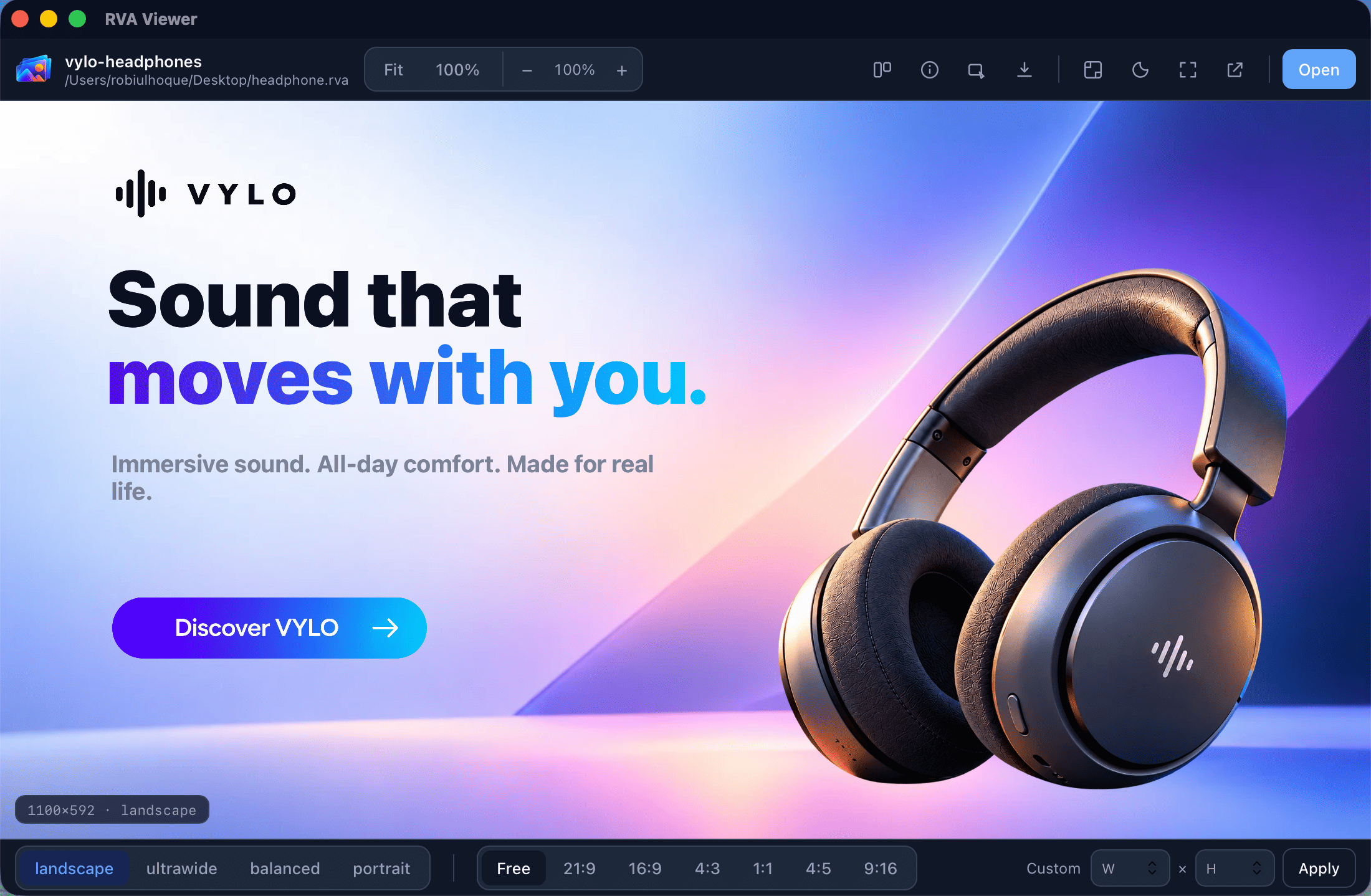
- Inspect any .rva the moment it lands — no project or build step.
- Resize freely or jump between ratio presets; watch it recompose live.
- See the active topology and resolved CTA region count at a glance.
- Read-only by design: the viewer never invents actions or edits the asset.
Checking downloads…